

Customer experience (CX) is more than a buzzword—it’s the new competitive battleground.
In an age where customers expect rapid, personalized, and seamless service across channels, support teams are under growing pressure to deliver excellence. The good news? There’s a growing number of intelligent tools designed to make that job easier.
In this guide, we’ll explore seven essential customer experience tools that support teams can use to enhance communication, streamline workflows, and deliver memorable service at scale.
Why the Right Tools Matter for CX Teams
Today’s customers expect immediate solutions, empathy, and consistency—regardless of whether they’re communicating via email, live chat, phone, or social media. At the same time, support teams are managing larger volumes of requests, increasingly complex workflows, and rising performance expectations.
This is where the right tools make a meaningful difference. From AI-driven automation and multilingual support to agent coaching and conversation quality assurance, customer experience tools help:
- Reduce response and resolution times
- Improve team efficiency and collaboration
- Maintain consistent service across channels
- Personalize interactions based on context and customer history
- Scale high-quality support without scaling costs
Equipping your support team with the right set of tools isn’t just helpful—it’s essential for competing in today’s CX-driven marketplace.
7 Must-Try Customer Experience Tools for Support Teams
Below, we’ve curated a list of powerful tools that are trusted by support professionals to improve customer service delivery, agent performance, and operational efficiency.
1. Zendesk
Use Case: Omnichannel support with ticketing, automation, and knowledge base management
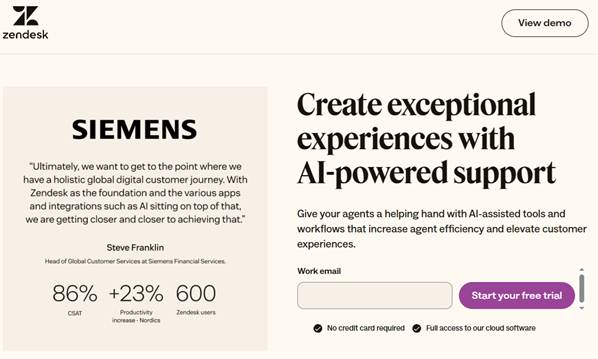
Why It Matters: Zendesk is one of the most well-known CX platforms on the market. It enables support teams to manage tickets across email, chat, social, and phone in a unified workspace. With automated workflows, AI-based suggestions, and integrated analytics, teams can resolve issues faster and improve CSAT scores.
Key Features:
- Unified ticket view across all channels
- Macros, triggers, and automation
- Integrated help center and community forums
- CSAT, SLA tracking, and detailed reporting
Best For: Teams needing an all-in-one CX platform that scales with their business
2. Tomedes Audio-to-Text Tool
Use Case: Accurate transcription of calls, voice notes, and multilingual interactions
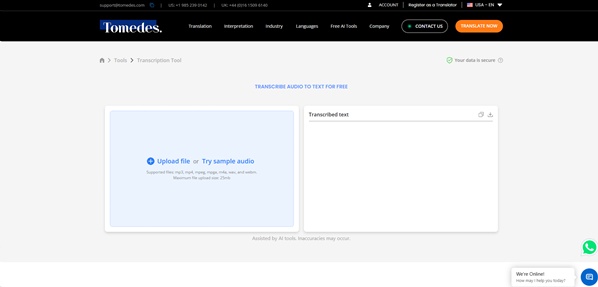
Why It Matters: Clear documentation is key to quality control and customer transparency. Tomedes‘ transcription tool lets support teams upload audio recordings and compare outputs from multiple engines (ChatGPT, Google, Gemini) for the most accurate result. It’s especially useful for teams handling voice calls, escalations, or compliance-related queries.
Key Features:
- Side-by-side comparison of AI transcriptions
- No login or sign-up required
- Multilingual support and file export in multiple formats (SRT, DOCX, TXT)
- Segment-by-segment editing for quality review
Best For: Contact centers, support QA teams, and global service providers
3. Intercom
Use Case: Real-time customer messaging and proactive support
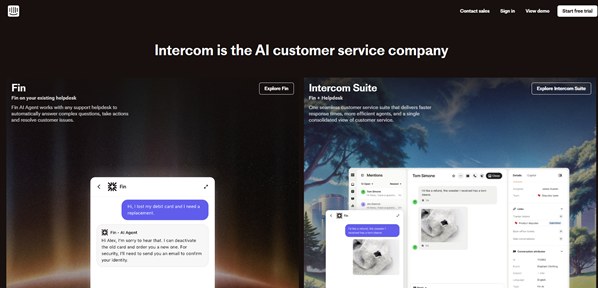
Why It Matters: Intercom is a conversation-first platform that combines live chat, bots, and proactive campaigns. It enables support teams to be more accessible while using automation to deflect repetitive queries. Its personalized chat flows and product tours improve customer onboarding and retention.
Key Features:
- Conversational bots and automated replies
- User segmentation and targeted messaging
- Product tour and onboarding features
- CRM and analytics integrations
Best For: SaaS businesses and product-led support teams
4. Freshdesk
Use Case: Helpdesk and ticketing with intuitive UX and strong automation features
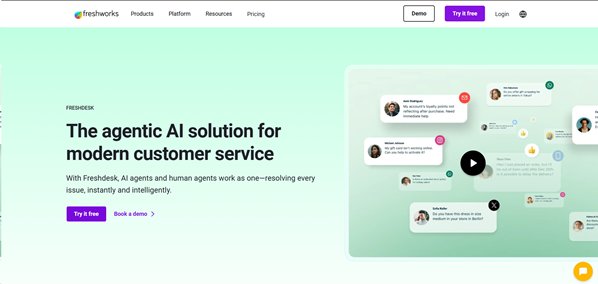
Why It Matters: Freshdesk offers a robust alternative to Zendesk with a user-friendly interface and a generous free plan for smaller teams. It includes ticket prioritization, auto-routing, and AI-powered canned responses that speed up resolution.
Key Features:
- Omnichannel support for email, chat, social
- AI-based ticket classification and routing
- SLA management and automation
- Knowledge base and community forums
Best For: Small to mid-sized teams looking for a balance of simplicity and capability
5. MachineTranslation.com
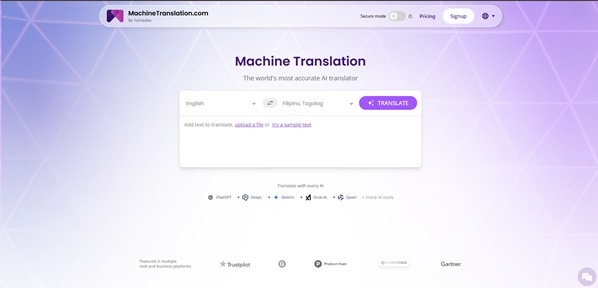
Use Case: AI-powered translation for real-time multilingual support
Why It Matters: If your support team works with international customers, fast and accurate translation is a must. MachineTranslation.com lets teams compare translations from multiple AI engines (ChatGPT, DeepL, Google) to ensure clarity and cultural accuracy. This comparison layer reduces the risk of translation errors and improves customer trust.
Key Features:
- Side-by-side comparison of translations across 240+ languages
- Access to 100,000 free words per month with account registration
- Glossary and key term customization
- Optional human review for verified accuracy
Best For: Global support teams, eCommerce, and tech companies with multilingual user bases
6. Cerebro ChatOps
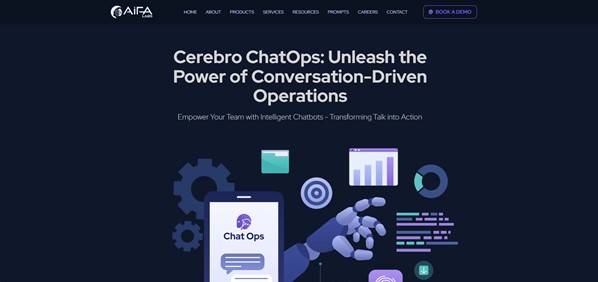
Use Case: Real-time collaboration and incident management inside chat platforms
Why It Matters: Cerebro ChatOps streamlines team operations during customer incidents or high-stakes support scenarios. It brings ChatOps capabilities directly into Slack or Microsoft Teams, automating alerts, task assignments, and incident updates without switching platforms. This tool improves responsiveness and visibility in real-time environments.
Key Features:
- Seamless integration with Slack and Teams
- Smart alerting, auto-escalation, and reporting
- Automated workflows and post-mortem generation
- Real-time metrics for operations and support
Best For: DevOps-support collaboration, technical support teams, and real-time support environments
7. Zendesk
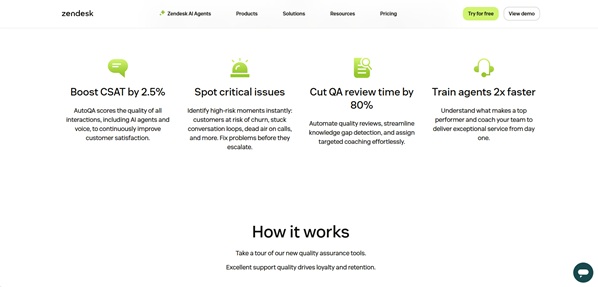
Use Case: Conversation review and agent quality assurance
Why It Matters: Zendesk helps support managers maintain service quality by scoring and reviewing agent interactions across channels. It supports calibration, coaching, and trend analysis, making it easier to build a feedback culture and align teams around service standards.
Key Features:
- Scorecards for reviewing chat, email, and voice support
- Calibration tools and coaching workflows
- AI-assisted review suggestions
- CSAT and quality trends dashboard
Best For: CX leaders focused on improving agent performance and consistency
How to Choose the Right CX Tool for Your Team
With so many tools available, it’s tempting to adopt the flashiest solution. But the best CX tool is the one that solves your most pressing pain point while integrating smoothly into your workflow.
Start by asking:
- Where are we seeing bottlenecks in support?
- Do we struggle more with speed, consistency, personalization, or reach?
- What tools do we already use—and what do they lack?
Then evaluate potential tools based on:
- Integration: Does it play well with your CRM, helpdesk, and communication channels?
- Usability: Can agents ramp up quickly without extensive training?
- Scalability: Will it grow with your team and customer base?
- Support and Documentation: Are updates and help resources actively maintained?
- CX Metrics Impact: Does it help reduce ticket backlog, improve CSAT, or boost FCR?
Many of the tools above offer free trials or freemium tiers—take advantage of them. Piloting a solution with a small team can give you a clear picture of its value before full deployment.
Conclusion
Customer service is evolving rapidly, and so are the tools built to support it. Whether you’re a small business looking to respond faster, or an enterprise scaling global support, there’s a tool out there that can elevate your CX strategy.
From real-time chat automation and multilingual communication to team collaboration and quality assurance, these seven tools offer a broad spectrum of support. They help streamline operations, empower agents, and ultimately, create better experiences for your customers.
Start by identifying where your team needs the most support. Then explore, test, and deploy the tools that can deliver real results. In today’s CX-focused landscape, smart tools aren’t just nice to have—they’re essential for success.